
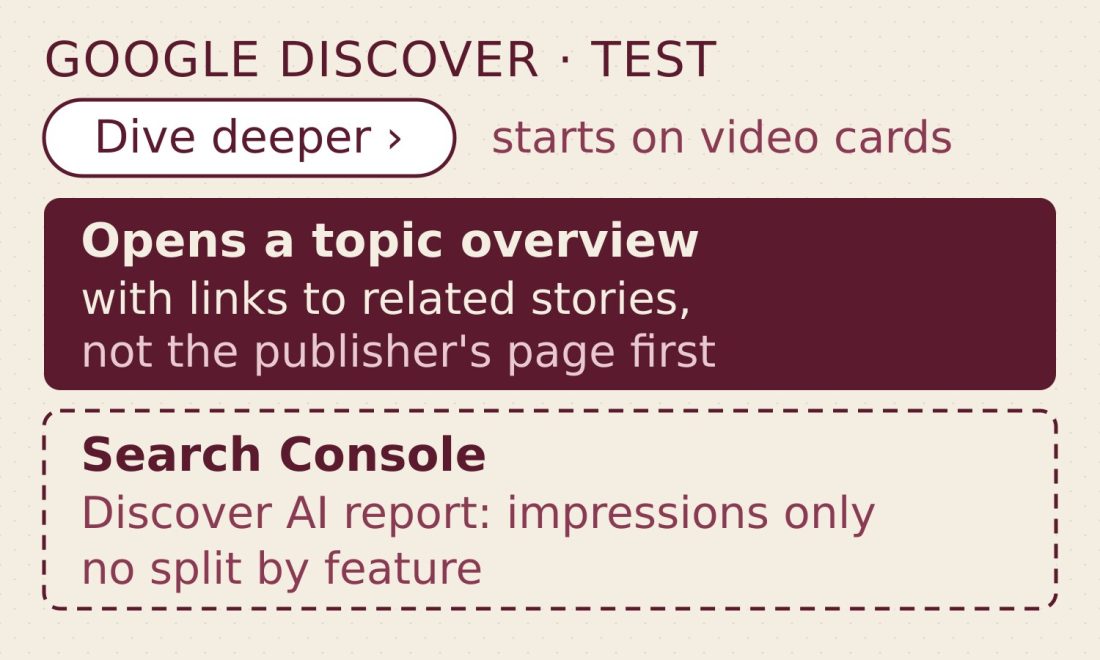
Robby Stein, VP of Product for Google Search, said on X on 18 September that Google is “experimenting with a new way to make exploring a topic and discovering related web content easier in Discover.” Tapping a button labelled “Dive deeper” opens what Stein calls “a short topic overview with prominent links to related stories, community reactions & original reporting,” a Google screen rather than the publisher’s page. The test runs “on videos to start.”
What is “Dive deeper” in Google Discover?
“Dive deeper” is a button Google is testing in Discover, starting with video cards. Tapping it opens what Stein calls a “short topic overview” with links to related stories, community reactions and original reporting. In Google’s example image, the overview has a summary, a row of source cards and an “Explore more stories” screen of sub-topic summaries with outbound links.
What did Stein’s post say?
Stein’s post ran two short paragraphs and one image. In full:
“Today we’re experimenting with a new way to make exploring a topic and discovering related web content easier in Discover.”
“By tapping “Dive deeper,” you’ll see a short topic overview with prominent links to related stories, community reactions & original reporting. We’ll test this experience on videos to start, and experiment with multiple designs in the weeks ahead (example below) as we iterate to learn what works best.”
— Robby Stein, VP of Product, Google Search, on X, 18 September
The post itself never uses the word “AI”; Stein describes the destination only as a “short topic overview.” Search Engine Journal, which reviewed the same post, wrote that “the post doesn’t name the countries or languages in the test, or how many people will see it.”
What does Google’s example image show?
Stein’s post carries one image: three phone screens, which he labels an example. Screen one is a Discover feed: a video card from KCRA 3 on YouTube, headlined “Intense heat wave bakes Northern California,” with a short summary underneath carrying the label “Generated with AI, which can make mistakes,” and a pill-shaped “Dive deeper” button below that. Screen two is the overview itself: the same video sits under a Google logo, followed by the headline, a summary, a horizontal row of source cards (the first from kcra.com) and more text below the cards. Screen three, headed “Explore more stories,” breaks the topic into sub-headlines, each with a short summary paragraph and, below it, one-line descriptions of the linked coverage.
None of the visible parts of screens two or three carry an AI label. Because the image is cropped at the edges, whether the overview itself is labelled is not established. The figures in the mockup, from outlet names to the specific numbers, are illustrative rather than reported facts; Stein presents the three screens as an example, not as the finished product.
Laid side by side, the post, the image and the silence between them cover different ground:
| What Google said | What the example image shows | Not stated |
|---|---|---|
| “We’ll test this experience on videos to start” | Screen 1’s card is a YouTube video (KCRA 3) | Whether or when article cards get the button |
| “Experiment with multiple designs in the weeks ahead” | One three-screen layout, called an “example” | Not stated |
| Not stated | Not stated | Countries, languages, share of users in the test |
| Not stated | Not stated | Whether the test runs inside Search Labs |
| Not stated | Screen 1’s card summary carries “Generated with AI, which can make mistakes”; no label is visible on the cropped screens 2 and 3 | Whether the overview screens themselves carry a label |
| Not stated | Not stated | Whether the Search generative AI control covers this feature |
What does Search Console’s Discover AI report count?
Search Console has one report for Discover’s generative AI features: the Generative AI performance report for Discover. Google’s own description: “The generative AI performance report for Discover shows important data about how your site performs on generative AI features in Google Discover.” The help page describes one metric: “Impressions are how many links to your site that a user saw in generative AI features in Discover. The link must be scrolled into view… Only one impression is counted per result per session; if a user scrolls past a card and then scrolls back, only one impression is recorded.”
The Pages dimension credits “the page that served as the source of the information shown to the user. This is the canonical page URL, not the page where the user lands when they click in a generative AI feature in Discover.” The other two dimensions are Countries and Dates, the latter measured in Pacific Time. Two more lines matter here: “Search Console doesn’t include data from experiments in Search Labs, as these experiments are still in active development.” And: “Not all properties have access to the report, as we’re rolling out over time.”
| What the report documents | Google’s wording |
|---|---|
| Metric | “Impressions are how many links to your site that a user saw in generative AI features in Discover” |
| Counting rule | “Only one impression is counted per result per session” |
| Dimensions | Pages, Countries, Dates (Pacific Time) |
| Source-page rule | Pages shows “the canonical page URL, not the page where the user lands when they click” |
| Search Labs | “Search Console doesn’t include data from experiments in Search Labs” |
| Access | “Not all properties have access to the report, as we’re rolling out over time” |
Will “Dive deeper” show up in your Search Console data?
The report as documented has no per-feature breakdown. It groups everything under “generative AI features in Discover” and shows impressions by page, by country or by date; nothing in the documentation separates an impression from the “Dive deeper” overview from any other kind. Stein doesn’t mention Search Labs at all, and the report explicitly excludes Search Labs experiments. Put the two together and the honest answer to “will I see this in my data” is: possibly not at all, and, even if it is counted, not broken out on its own line in the report as documented.
It’s the same shape of gap this site found on the Search side. The Generative AI performance report for AI Overviews and AI Mode also has no per-feature split, though it does list a fourth dimension, Devices, which the Discover help page doesn’t.
What does the Search generative AI control cover?
Google points publishers to one switch: the Search generative AI control, under Settings in Search Console. It manages “inclusion in the following generative AI features on Google Search”: “AI Overviews,” “AI Mode,” and “Generative AI features in Google Discover.” Include is “the default control for all properties.” Exclude is stated in absolute terms: “You won’t receive any traffic or impressions from these features.” A change takes a few days to apply: “Content will be excluded within 1-2 days after the control goes live, but some content may take longer to be excluded due to caching and propagation across Google systems.”
Google’s 3 June blog post introduced the toggle as a test for “a subset of website owners in the UK,” with a footnote added later: “As of August 31, 2026, we’ve rolled out these features to all websites worldwide.” This site looked at the state of Google Search opt-out controls in July, when Google still described the toggle as a control it was testing; by Google’s own footnote, it had reached all websites worldwide by 31 August.
Whether the “Dive deeper” overview falls under “Generative AI features in Google Discover” is not something Google has said, one way or the other. Exclude is one property-level choice that takes a site out of AI Overviews, AI Mode and Discover’s generative AI features at once; it is not a switch aimed at this specific button.
None of that makes the test unmeasurable, only unmeasured on its own terms. The report for Discover’s generative AI features describes one metric, credits the canonical page, and says nothing about which features sit inside “generative AI features in Discover.” The Search generative AI control names three features without saying which buttons live under the third one. A site watching its Discover AI impressions for a bump if this test expands will be watching a number that may or may not include the “Dive deeper” overview — and won’t be told which.